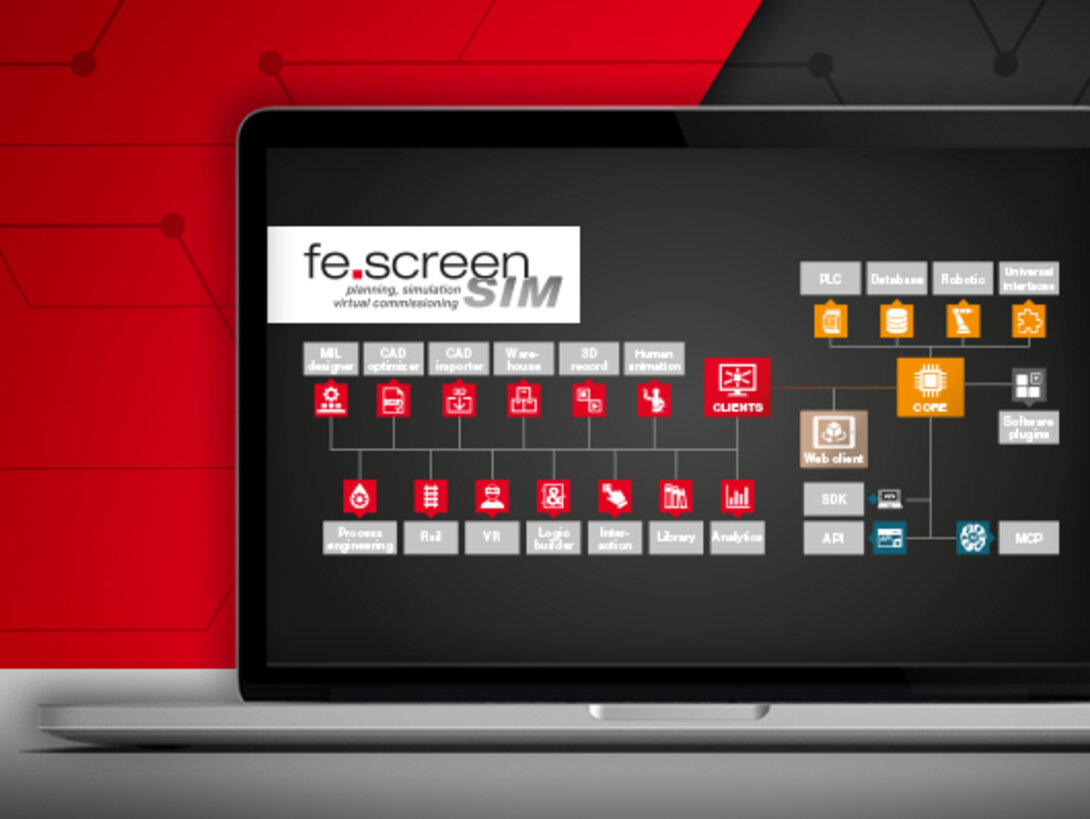
software structure – Web client: simulation in the browser
The Web client allows simulations to be viewed and easily operated directly in the browser — without local installation.
Rendering takes place on the server side, so that the simulation is displayed smoothly across platforms and independently of the user's hardware performance — even on less powerful PCs or mobile devices. Simple interactions, such as moving the camera or triggering actions (e.g., buttons), are also possible directly in the browser.
In combination with multi-user capability, which allows multiple users to work on a digital twin in parallel without switching between editing and simulation modes, fe.screen-sim becomes even more versatile and flexible in its application.

CLIENTS +
Optional modules

CORE + Communication interfaces

Interfaces for software expansion

Software plugins
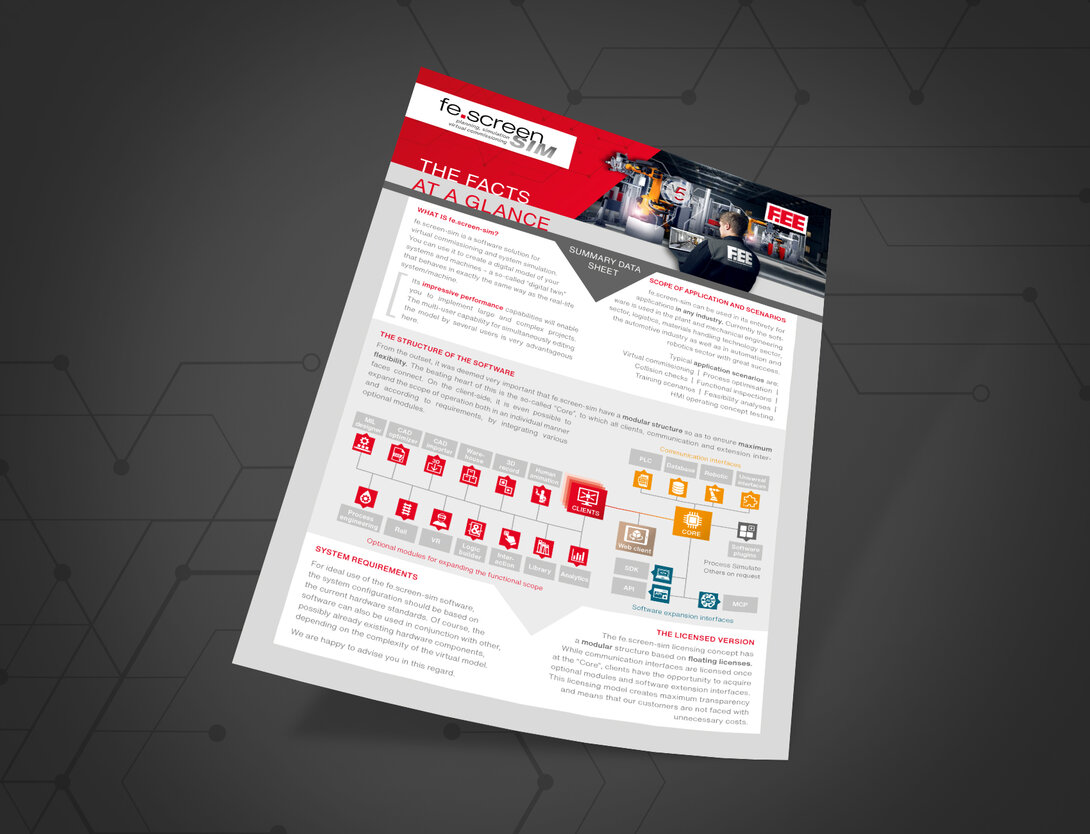
The structure of the virtual commissioning software at a glance
You can find an overview of all information on the structure of the virtual commissioning software and the optional expansion options here.



Your personal contact person – for more clearness
You are a project or department manager and are faced with the question of how to set up a digital twin for your project? We would be happy to talk to you personally about your requirements, the time frame, the possible project approach and give you an initial cost estimate.