
fe.screen-sim V5 – Highlights of the Digital Twin Tool
“Give me five!” – This slogan not only stands for the invitation to give each other a high five, e.g. due to a success or congratulations, but also forms the motto of the F.EE group of companies for the launch of the new version 5 of the simulation tool fe.screen-sim.
Managing Director Hans Fleischmann explains why this is the case: ‘We decided on the slogan “Give me five” not only because of the version number, but also because we want to give ourselves and our users a symbolic “high five” for the new possibilities and features.
Version 5 marks a milestone in the creation of digital twins.’
All highlights of the version 5 at a glance
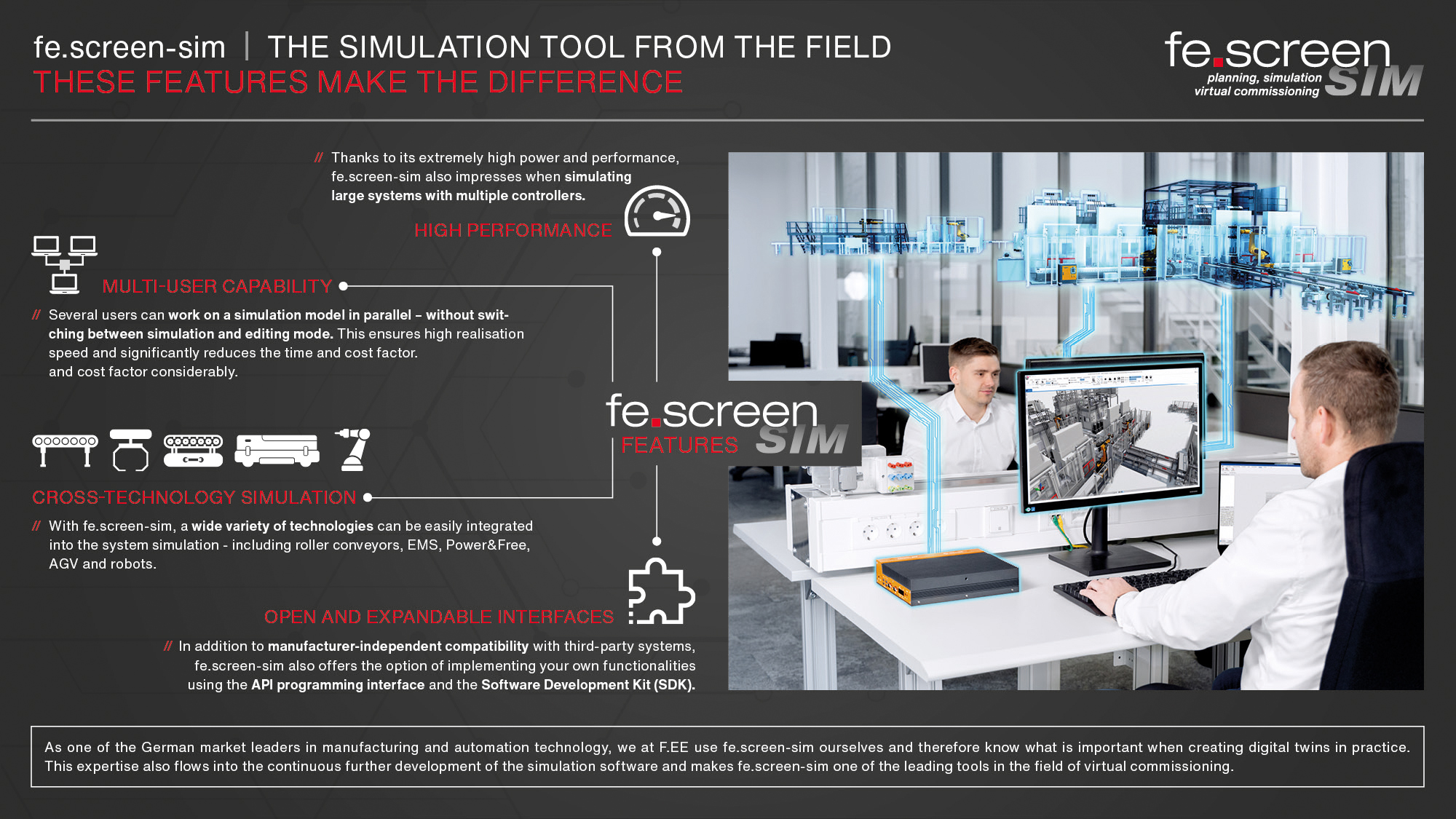
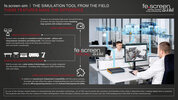
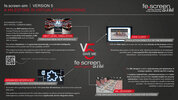
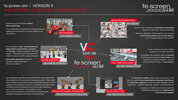
In the attached short presentation you will find important information on the general functions of ‘fe.screen-sim’. You will also receive an overview of the new features that V5 of the simulation software has to offer.


All features in detail
NEXT LEVEL SIMULATION – MCP INTERFACE

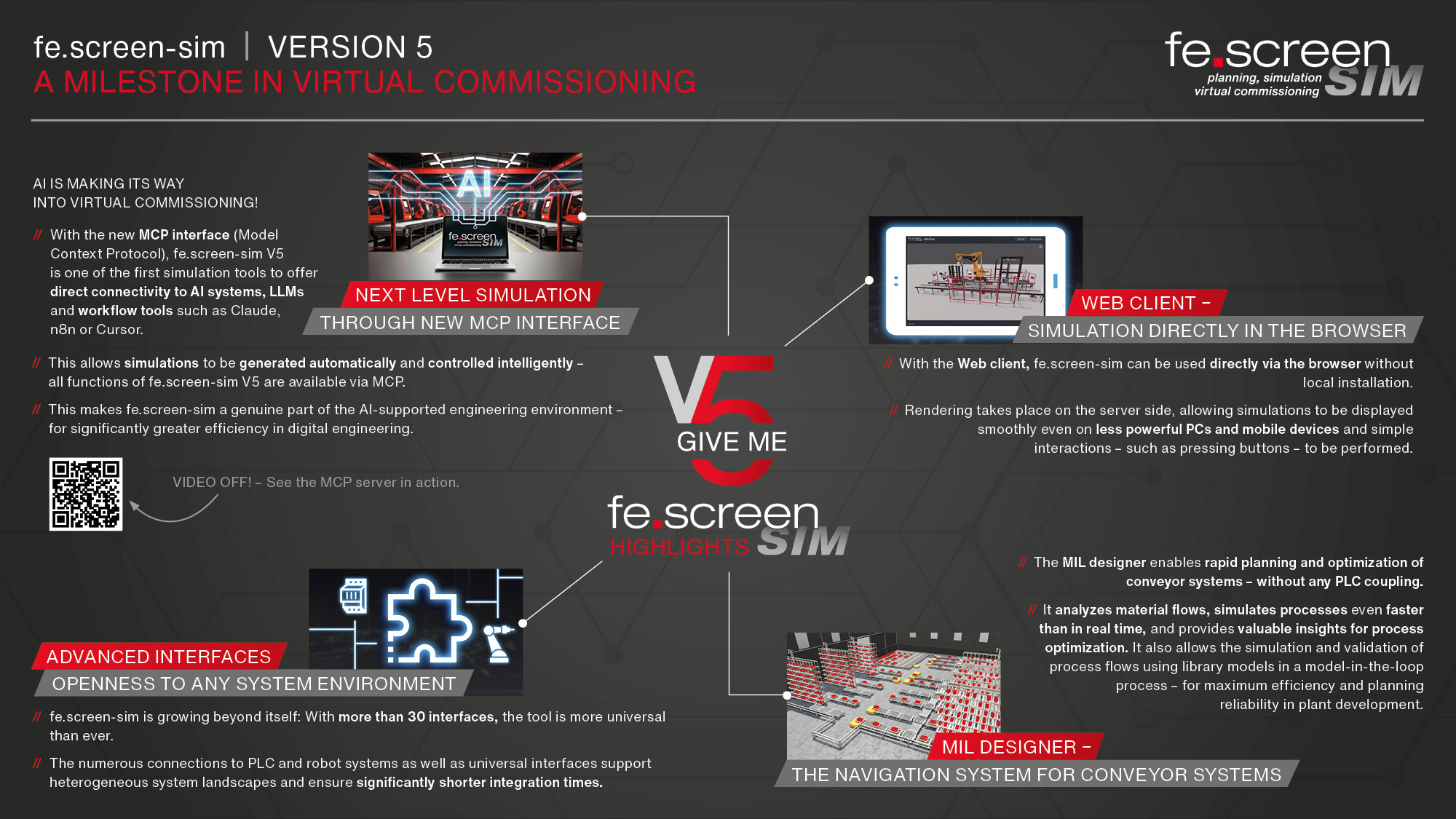
AI is making its way into virtual commissioning! With the new MCP interface (Model Context Protocol), fe.screen-sim V5 is one of the first simulation tools to offer a direct connection to AI systems, LLMs, and workflow tools such as Claude, n8n, and Cursor. This allows simulations to be generated automatically and controlled intelligently – all fe.screen-sim V5 functions are available via MCP. This makes fe.screen-sim a genuine part of the AI-supported engineering environment – for significantly greater efficiency in digital engineering.
ADVANCED INTERFACES FOR MORE OPENNESS
fe.screen-sim is growing beyond itself: with over 30 interfaces, the tool is now more versatile than ever. The numerous connections to PLC and robot systems as well as universal interfaces support heterogeneous system landscapes and ensure significantly shorter integration times.
NEW PERFORMANCE MAXIMUM
![[Translate to English:] Anlage-Performance-Maximum-SIM](/fileadmin/_processed_/8/d/csm_fescreen-sim-Performance-Maximum_6f2154e288.jpg)
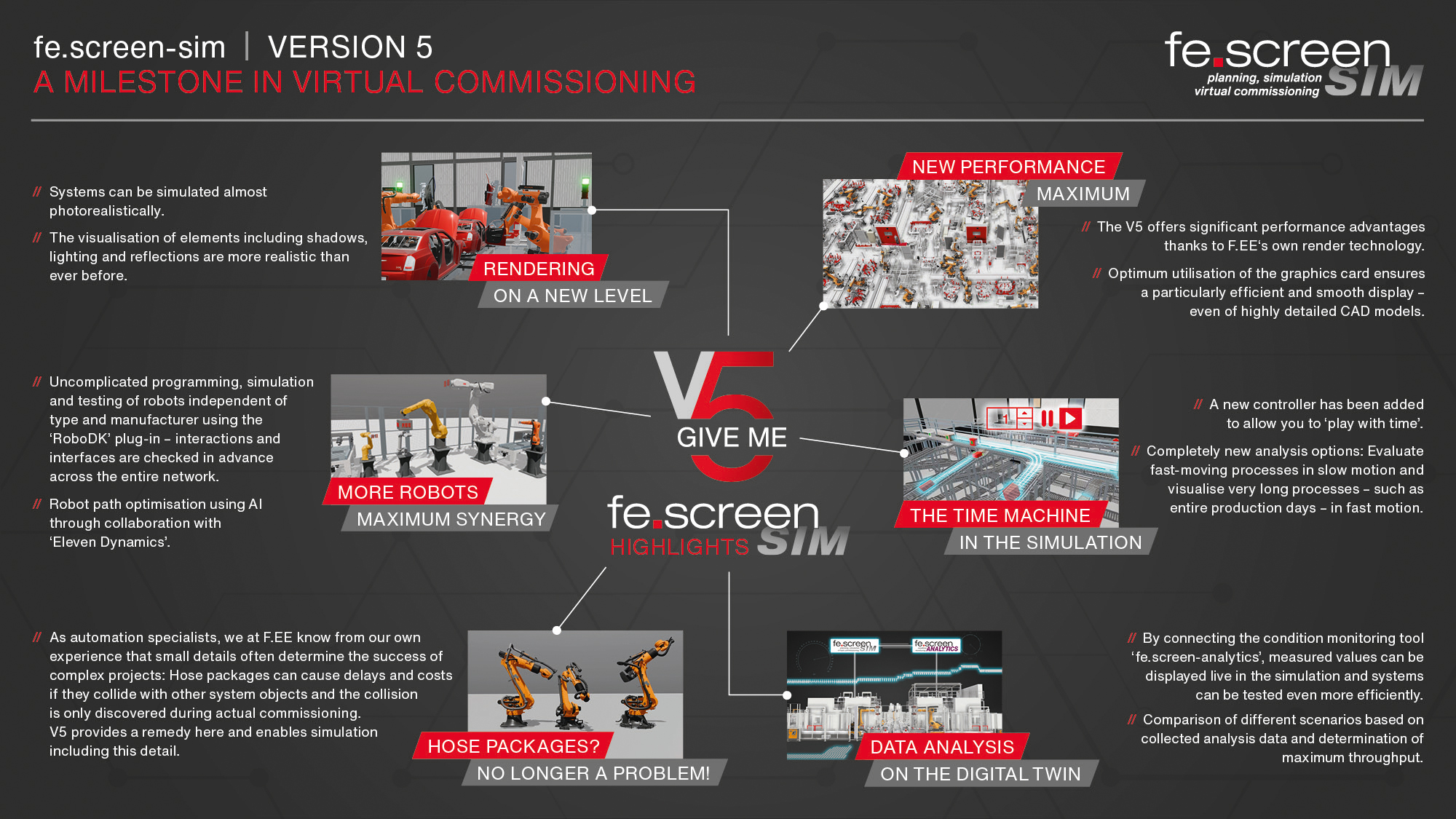
fe.screen-sim V5 will set new benchmarks, particularly in terms of performance. The basis for this is the fact that F.EE develops the rendering independently as a central component of the simulation. In addition to considerable performance advantages, this also means a flexible and highly optimised display for simulations. As rendering has a significant influence on the optimum utilisation of a graphics card, F.EE's proprietary technology enables particularly efficient and smooth display – even of highly detailed CAD models.
MORE ROBOTS, MAXIMUM SYNERGY
![[Translate to English:] Roboter-Synergie-Optimierung-Plugin-Eleven-Dynamics](/fileadmin/_processed_/2/a/csm_fescreen-sim-Roboter-maximale-Synergie_f232066ab5.jpg)
A lot has also happened in the area of robot simulation with version 5. Here, F.EE is cooperating with the company ‘Robo DK’, among others. ‘Thanks to the innovative plug-in, robots can now be integrated into fe.screen-sim even more easily and intuitively - regardless of type or manufacturer: the robots can be easily programmed, simulated and thus fully tested. All interactions and interfaces are thus tested in advance in the overall network. The collaboration with ‘Eleven Dynamics’ also makes it possible to optimise robot paths using AI.
THE TIME MACHINE IN THE SIMULATION
![[Translate to English:] Zeitraffer-Slow-Motion-Prozessbeobachtung-SIM-V5](/fileadmin/_processed_/5/3/csm_fescreen-sim-Zeitmaschine-Simulation_d7e79c3d90.jpg)
V5 also has another detail with implications for practical work with digital twins. ‘We have integrated a controller into fe.screen-sim that allows you to play with time, so to speak,’ explains Head of Development Peter Meier. This offers completely new analysis options: By slowing down the physical processes, very fast processes can be analysed in slow motion. At the same time, processes that often take hours, days or weeks can be displayed in fast motion, allowing entire production days to be simulated in a short space of time, for example.
MIL DESIGNER – CONVEYOR TECHNOLOGY NAVIGATION
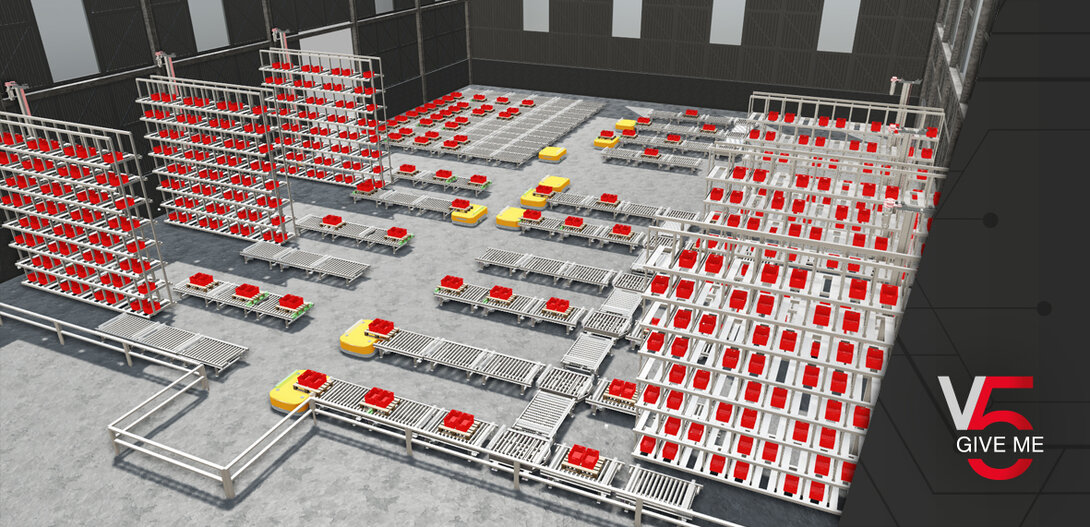
The MIL designer — a kind of navigation system for conveyor systems — enables the rapid planning and optimization of conveyor technology systems — without any PLC coupling. It analyzes material flows, simulates processes faster than in real time, and provides valuable insights for process optimization. With the help of library models, process sequences can be simulated and validated using the model-in-the-loop method – for maximum efficiency and planning reliability in plant development.
WEB CLIENT – SIMULATION IN THE BROWSER

With the web client, fe.screen-sim can be used directly in the browser without local installation. Server-side rendering enables smooth display of simulations—even on less powerful PCs or mobile devices. Simple interactions, such as pressing buttons, are also possible without any problems.
RENDERING ON A NEW LEVEL!
![[Translate to English:] Rendering-neues-Level-Anlage-Schatten-Licht-Spiegelung](/fileadmin/_processed_/4/7/csm_fescreen-sim-Rendering-neues-Level_6a2ddeda64.jpg)
In addition to the increase in performance, the new rendering also brings with it many visual innovations and improvements. Thanks to ray tracing technology, the visualisation of elements including lighting, shadows and reflections is more realistic than ever before and the systems can be simulated almost photorealistically. Not only users benefit from the new performance and visualisation quality when creating digital twins, but also other departments involved in the engineering and project process.
HOSE PACKAGE TRANSFER FROM PROCESS SIMULATE
![[Translate to English:] Schlauchpakete-Simulation-V5-SIM](/fileadmin/_processed_/b/7/csm_fescreen-sim-Zeitmaschine-Schlauchpakete_bc2c5a5572.jpg)
As automation specialists, we at F.EE know that small details often determine the success of complex projects – which is why we attach great importance to the level of detail in our simulations. For this reason, the kinematics import from Process Simulate has been further optimized. Starting with version 5, extended kinematic data—including inverse kinematics and hose bundle definitions—can now be easily transferred. This enables more precise motion representation, significantly simplifies integration into virtual commissioning, and increases planning reliability even for complex systems.
EFFECTIVE DATA AND CYCLE TIME ANALYSIS

The Analytics module makes data directly usable in fe.screen-sim V5: Live measurements, meaningful key figures, and cycle time analyses provide immediate insights into the digital twin—ideal for planning, analysis, and optimization. Compare different scenarios based on the collected analysis data and determine the maximum throughput.
All information at a glance
All important information about fe.screen-sim V5 can be found in compact form in the corresponding flyer

Your personal contact person – for more clearness
You are a project or department manager and are faced with the question of how to set up a digital twin for your project? We would be happy to talk to you personally about your requirements, the time frame, the possible project approach and give you an initial cost estimate.