fe.screen-sim – How is the 3D simulation software structured?
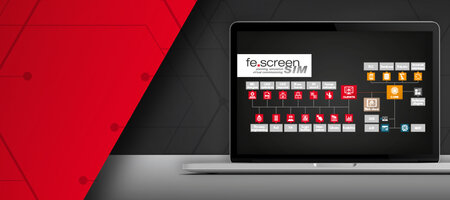
To ensure maximum flexibility, fe.screen-sim is based on a modular software structure. Here you will find a detailed overview of the individual modules, extensions, interfaces, and software plugins.
The heart of the virtual commissioning software is the so called Core, to which all Clients as well as the communication and extension interfaces connect. The range of functions on the clients themselves can be expanded as needed by integrating various option modules. With the newly added Web client, simulation content can also be displayed and used directly in the browser. In addition, interfaces such as SDK, API and MCP provide enormous flexibility and optional software plugins can further increase efficiency.
Detailed information about the individual software components ...
... can be found by clicking on the respective icon.
CLIENTS +
Optional modules

CORE + Communication interfaces

Web client

Interfaces for software expansion

Software plugins
The structure of the virtual commissioning software at a glance
You can find an overview of all information on the structure of the virtual commissioning software and the optional expansion options here.

THE "FE.SCREEN-SIM EMULATION.BOX"
The "fe.screen-sim emulation.box" sets new standards in the emulation of PROFINET devices when creating digital twins.
The communication box emulates the PROFINET participants of the PLC so that these - including safety signals - are available for the PLC in the network. Connected controllers can be operated easily without noticing any difference to real fieldbus devices. The "emulation.box" scores points with its ability to emulate up to 700 participants as well as simple administration and integration via a web interface.

Your personal contact person – for more clearness
You are a project or department manager and are faced with the question of how to set up a digital twin for your project? We would be happy to talk to you personally about your requirements, the time frame, the possible project approach and give you an initial cost estimate.
Which licenses do I need?
Further Details on the licensing model can be found in the FAQ section.